[OEM] Windows 11 Pro Education 1 Device Activation
<ul> <li><strong>OEM Channel Digital License Activation bind with your Device Motherboard</strong></li> <li>Activation key for Windows 11 Pro Education 64 bit for 1 PC.</li> <li>100% authentic and is used for one pc only.</li> <li>you can get all windows updates lifetime</li> <li>Windows 11 N Pro do
Description
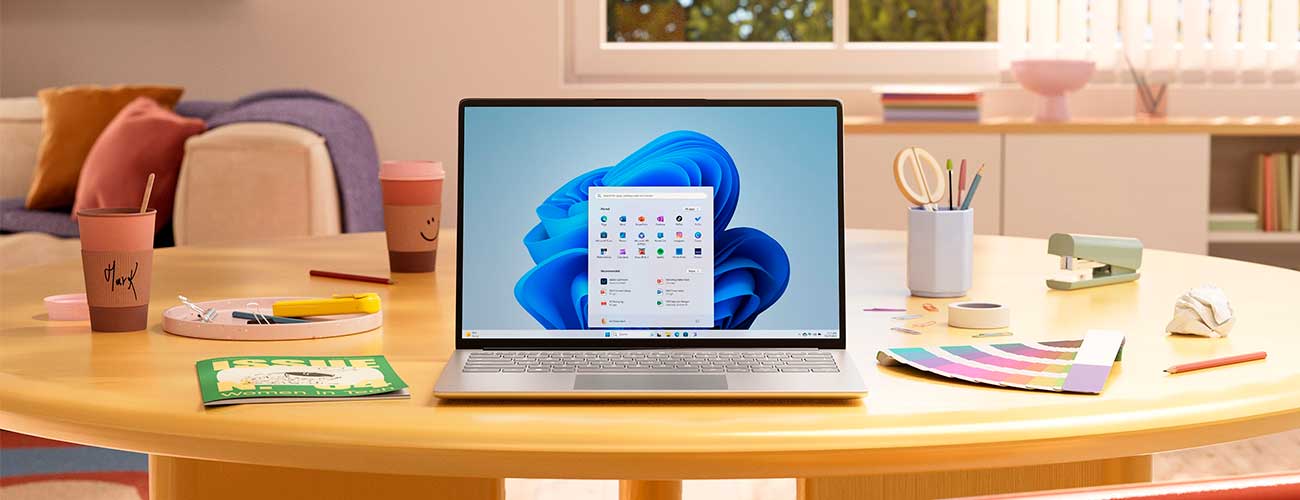
Download and Install Windows 11
The official release of Windows 11 took place on October 5, 2021. We have prepared a guide for you, where you will learn where to download, install, and run Windows 11.
Buy Windows 11 Pro Education Product key at the best price and activate it by downloading an Official Microsoft ISO file. Install the latest version of Windows 11 with a 100% GENUINE license, and get the most out of your PC. Secure payments with a full money-back warranty. Instant delivery after purchase
Buy a cheap Windows 11 pro Education license key that provides the best learning experience with the best safety-enhanced security and education support features.
Introducing Windows 11 pro Education
Key Windows 11 pro Education is a version of the Windows 11 operating system created especially for students, students and education administrators. It provides features and tools to support learning and research, including Microsoft Teams, OneNote, and Learning Tools.
Windows 11 Pro
Best for: Professionals, businesses, freelancers
Key Features:
- BitLocker device encryption 🔐
- Remote Desktop (host & client)
- Group Policy Management
- Hyper-V (virtual machines)
- Domain Join & Azure AD support
- Windows Update for Business
- Advanced security & admin controls
👉 Ideal if you need business tools, remote work, and advanced system control
Windows 11 Pro Education
Best for: Schools, universities, students (institution-managed devices)
Key Features:
- Includes all Windows 11 Pro features
- Additional education-focused policies
- Pre-configured to disable consumer features (ads, suggestions, etc.)
- Simplified management for IT admins in schools
- Optimized for academic environments
👉 Ideal if your device is part of a school/university system
Key Differences
|
Feature |
Windows 11 Pro |
Windows 11 Pro Education |
|---|---|---|
|
Target Users |
Business / Personal |
Schools / Students |
|
Features |
Full Pro features |
Same as Pro + education policies |
|
Consumer Apps |
Enabled |
Limited / Disabled |
|
Management |
Business-focused |
Education IT environments |
|
Availability |
Retail / OEM |
OEM/Volume licensing (education) |
The product is considered complete and optimized in order to secure information data, improve performance and provide users with a convenient interface for later use. To improve security, you can launch applications from the Microsoft Store and use Microsoft Age to further securely navigate the Internet.
Thanks to the success of its predecessor Windows 10, the operating system received an updated continuation, which includes innovations in the form of different programs and functionality for use:
1. Encryption of the device.
2. Convenient joining to a domain address.
3. Ability to manage group policy.
4. The presence of BitLoker.
5. Use of the mode restricting access (Assigned Access).
6. Remote Desktop, Hyper-V, Direct Access, Windows Too Gov Creator.
7. Using AppLoker, Branchcache.
8. You can control the home screen thanks to group policy.
9. Users will be able to download unpublished business applications.
10. Much more, including mobile phone app control, etc.
Various features of Windows 11 for educational institutions, which you can buy in our online store, make the software as useful and successful as possible. The idea of a lightweight operating system turned out to be very successful, because in fact users will be able to join Azur Active Directors with one login to cloud applications, use the Windows Store for organizational work, update the Education version as soon as new updates arrive. There is also protection of corporate information data, you can fully protect credentials, and much more.
In general, it is worth emphasizing that all the added features in the new product support shared use, so for schools, universities, colleges and other similar institutions, this Windows is 100% ideal.
Outstanding Features Windows 11 Education:
Windows 11 Education has the following outstanding features:
- Microsoft Teams: Integration with Microsoft Teams allows students and teachers to communicate, work in groups, and organize online learning.
- OneNote: Use OneNote to take notes, organize, and share educational materials.
- Learning Tools: Learning aids such as reading text, explaining vocabulary, and automatically converting voice to text.
- Enhanced Security: Protect student personal data and learning materials with enhanced security features.
- Educational software compatibility: Compatible with educational software to organize and manage learning.
- Minimum configuration: The minimum configuration of Windows 11 Education allows students and teachers to use low-end computers with good performance.
Lifetime Guarantee
This product is guaranteed for life. License will never expire and will last for as long as the installation exists. You will be offered a full replacement in the unlikely event that it stopped working.
- Brand: Microsoft
- Released on: 05-10-2021
- Platform: Windows 11
- Format: Single Use Digital Licence
- Compatibility: 64-bit
- Language: Multilingual (it is possible to change language settings after installation; Language Interface Packs are also available for download separately)
- UPC: 885370927085
– NOT compatible with Mac/OSX and/or any Chromebook
System requirements
Processor: 1 gigahertz (GHz) or faster with 2 or more cores on a compatible 64-bit processor or System on a Chip (SoC).
RAM: 4 gigabyte (GB).
Storage: 64 GB or larger storage device Note: See below under “More information on storage space to keep Windows 11 up-to-date” for more details.
System firmware: UEFI, Secure Boot capable. Check here for information on how your PC might be able to meet this requirement.
TPM: Trusted Platform Module (TPM) version 2.0. Check here for instructions on how your PC might be enabled to meet this requirement.
Graphics card: Compatible with DirectX 12 or later with WDDM 2.0 driver.
Display: High definition (720p) display that is greater than 9” diagonally, 8 bits per color channel.
Find more Products in techubiz.com's Catalog
Operating System : Windows 11 - Windows 10 - Windows 8.1 - Windows 7
Microsoft Office Suites: Office 2021 - Office 2019 - Office 2016 - Office 2013 - Office 2010 - Office for Mac
Antivirus: Kaspersky - ESET - McAfee - Avast - Bitdefender - Norton - AVG
Microsoft Server: Server 2022 - Server 2019 - Server 2016 - Server 2012
Are you a reseller?
Are you a reseller? Contact us at [email protected] and we will send you a tailor-made price list. Let’s work together!